bbPress plugins customization
Remove breadcrumb
function bm_bbp_no_breadcrumb ( $param ){
	return true;
}
add_filter ('bbp_no_breadcrumb', 'bm_bbp_no_breadcrumb');

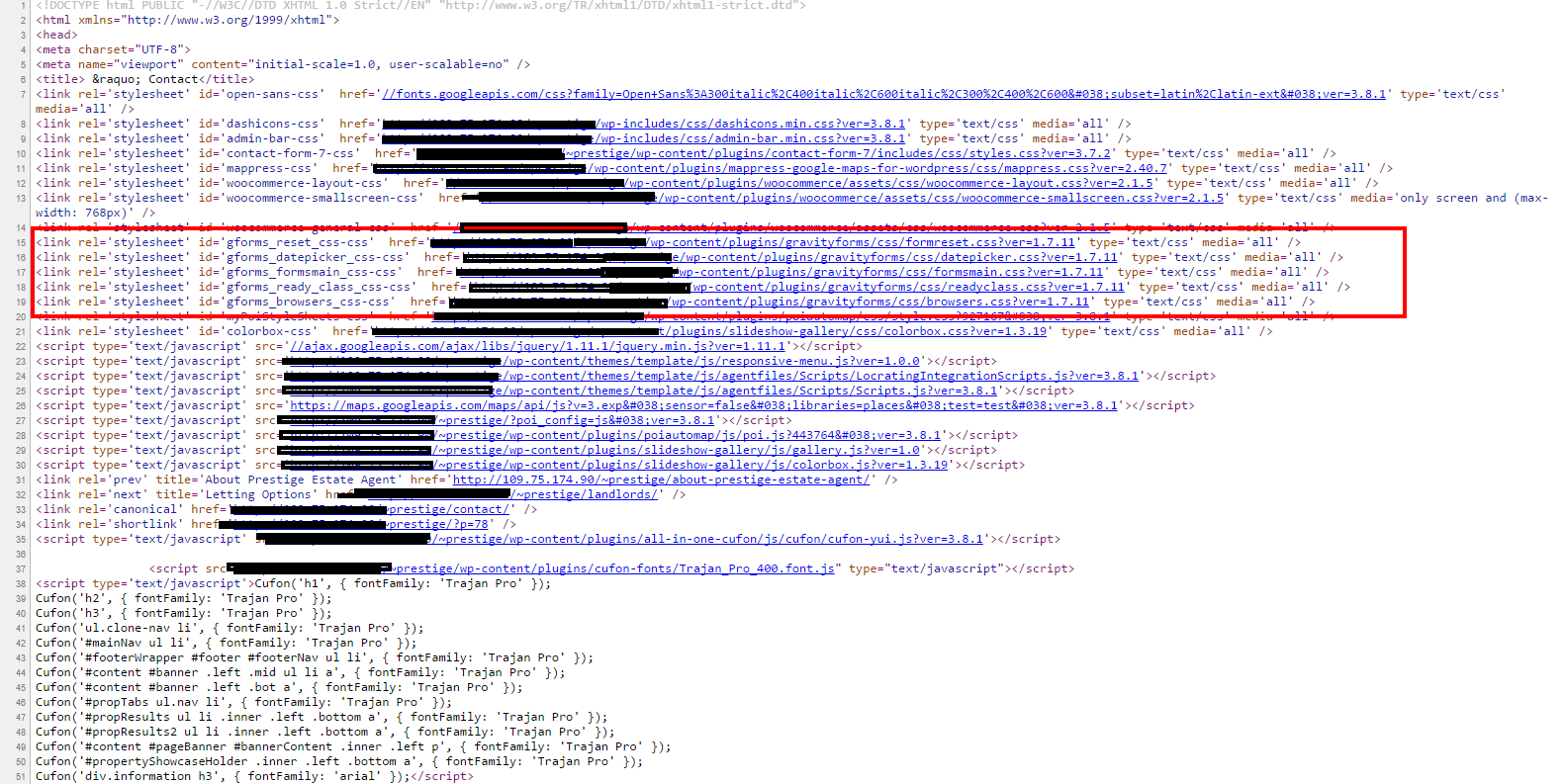
If this is happening on your end, try this troubleshooting. Check if your Gravity Form short code if is placed outside the wp_footer();. I guess the short code does not support any function outside the wp_footer();. You should put your Gravity Form short code before wp_footer();. Much better if it is placed on inside the…

Did you know Yonko Shanks has a son? Me? I don’t know about it, until I read this post http://otakukart.com/onepiece/one-piece-might-just-revealed-shanks-son/. As fun, I am very amazed and happy to know that he has a son. Yonko Shanks has a very mysterious character in one piece. Ok, to explain on you more, read this article http://otakukart.com/onepiece/one-piece-might-just-revealed-shanks-son/…
Having trouble of this errors? Warning: set_time_limit() [function.set-time-limit]: Cannot set time limit in safe mode in /home/wwwcreat/public_html/wp-content/plugins/wp-post-corrector/wp_export.php on line 12 Warning: session_start() [function.session-start]: SAFE MODE Restriction in effect. The script whose uid is 610 is not allowed to access /tmp owned by uid 0 in /home/sitename/public_html/wp-content/plugins/custom-field-suite/includes/classes/form.php on line 42 Fatal error: session_start() [function.session-start]: Failed to…
Uncaught (in promise) TypeError: Illegal invocation error using jQuery ajax code. I don’t understand how this ajax JS parameters works but digging a deep research about the error shows me some correct solution. Here’s the code of mine that has `Uncaught (in promise) TypeError: Illegal invocation` error. JS code that has `Uncaught (in promise) TypeError:…
Having trouble with this error message anywhere in your WordPress dashboard? Warning: htmlspecialchars(): charset `UTF-7' not supported, assuming utf-8 Inside WordPress admin dashboard go to “Setting > Reading” and here you see some field says ‘ utf-7 ‘. Changed this to ‘ utf-8 ‘ and everthing will be alright. Have a WordPress day.
Gravity Forms Media Upload Field for BuddyPress Complete Tutorial Gravity Forms Media Upload Field for BuddyPress is an WordPress addon for Gravity Forms, BuddyPress, Gravity Forms User Registration Add-On. Plugins mentioned is required before this plugin. It helps user to upload photo and cover photo with advance cropping of the image. You might interested to…
It’s going to be end of mine day, however before end I am reading this enormous post to improve my knowledge.
I think the admin of this website is in fact working hard for
his website, for the reason that here every material is
quality based data.
Hey, thanks for sharing so much helpful information with us.
I believe I will reread this post a couple times. Great information!
I just want to say I am just new to blogging and site-building and certainly loved your web-site. More than likely I’m planning to bookmark your site . You definitely come with great articles. Thank you for sharing your web-site.
I just want to mention I am newbie to weblog and certainly enjoyed you’re blog site. Most likely I’m planning to bookmark your blog . You actually come with outstanding articles and reviews. Kudos for sharing with us your webpage.