How to fix Avada themes WP Memory Limit using Godaddy cpanel.
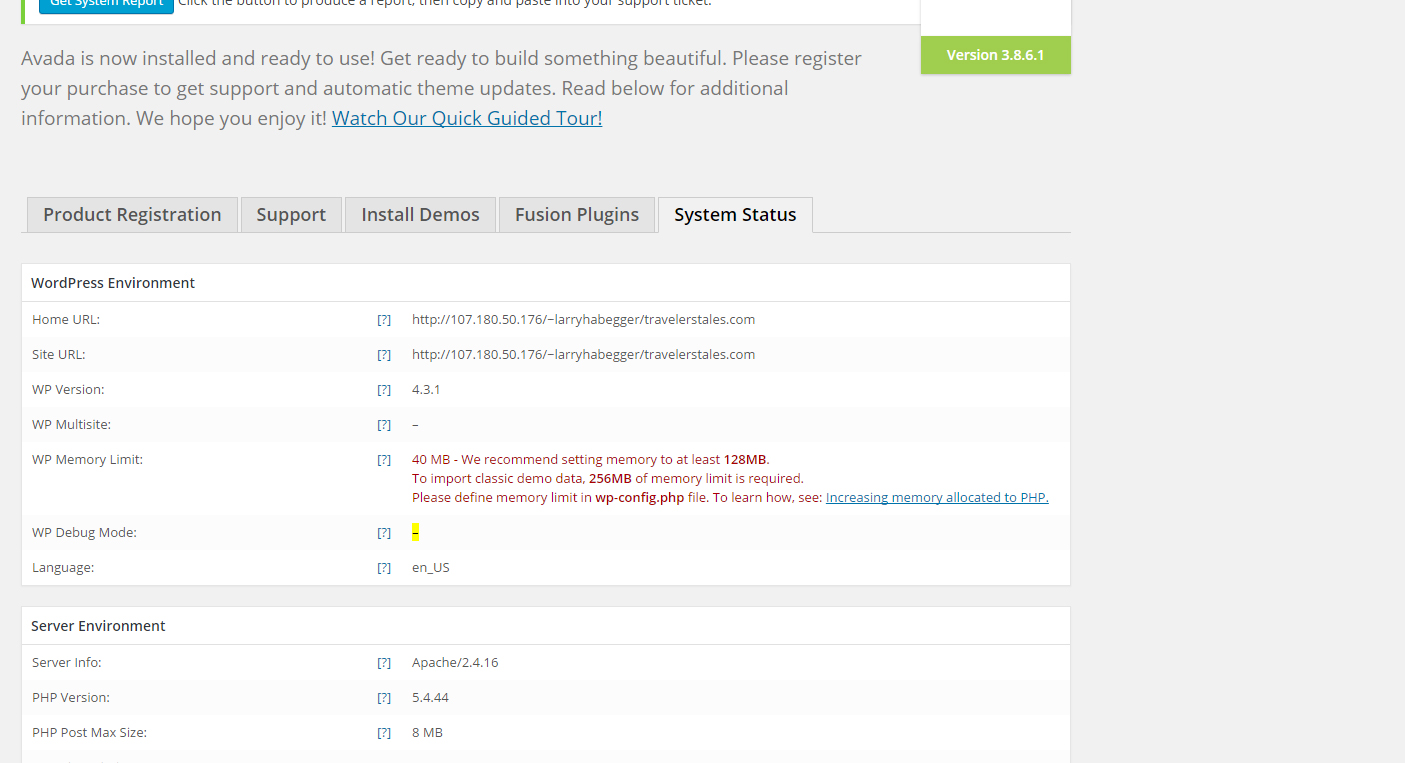
If you encountered the same error just like the image above, just follow this instructions.
Open your wp-config.php in cpanel and add this code.
define( 'WP_MEMORY_LIMIT', '128M' );

Dequeue or remove Gravity Forms style or css in your WordPress site. Common styles of Gravity Forms is `formreset.css`, `datepicker.css`, `formsmain.css`, `readyclass.css`, and `browsers.css`. Gravity Forms has action called `gform_enqueue_scripts`, you can visit the link for more information. <link rel='stylesheet' id='gforms_reset_css-css' href='http://example.com/wp-content/plugins/gravityforms/css/formreset.css?ver=1.7.11' type='text/css' media='all' /> <link rel='stylesheet' id='gforms_datepicker_css-css' href='http://example.com/wp-content/plugins/gravityforms/css/datepicker.css?ver=1.7.11' type='text/css' media='all' /> <link rel='stylesheet' id='gforms_formsmain_css-css'…
See http://multidatespickr.sourceforge.net/ for the references. Copy and paste the code below. var today = new Date(); var availableDates = ["9-9-2011","14-9-2016","15-9-2016"]; $('#simple-select-min-max').multiDatesPicker({ beforeShowDay: available }); function available(date) { dmy = date.getDate() + "-" + (date.getMonth()+1) + "-" + date.getFullYear(); if ($.inArray(dmy, availableDates) != -1) { return [true, "","Available"]; } else { return [false,"","unAvailable"]; } }
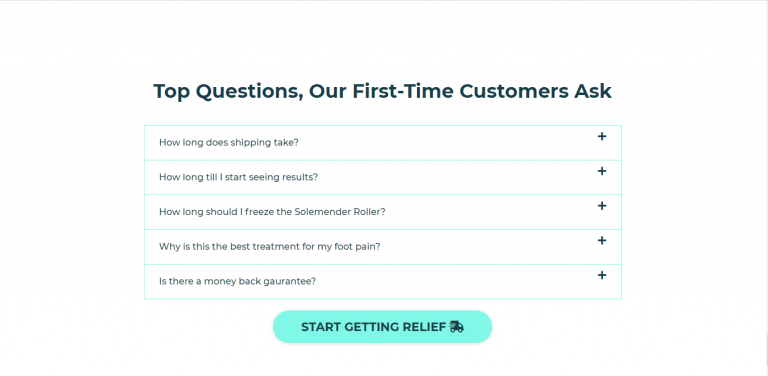
Before we start please do support my Youtube channel Web Developer Green – https://www.youtube.com/channel/UCSilTsUejzMeHJ8rSvp2K_g master, thank you! HTML CODE <div class="r-faq"> <div class="r-wrap"> <h2>Top Questions, our customers Ask</h2> <div class="faq-q active">what is slow roasting? <i class="fas fa-plus"></i></div> <div class="faq-a" style="display:block;">Slow roasting is always better. The slower we bring the beans to temperature, the more consistent…
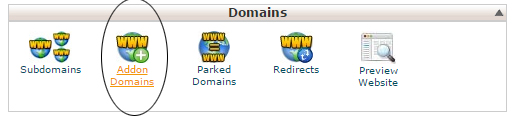
How to create domain name folder in file manager? Just find the “Add ON Domains” in domains sections.
Check the links below for references to answer the question “How to redirect WordPress login/logout to custom page?” Use this https://codex.wordpress.org/Plugin_API/Filter_Reference/login_redirect for login redirect. Use this https://codex.wordpress.org/Plugin_API/Filter_Reference/logout_url for logout redirect.
Get Header Title function custom_category_page_title() { global $wp_query, $wpdb; $category_ = get_query_var('cat'); $current_cat = get_category ($category_); $category_id = $current_cat->term_id; echo '<header class="entry-header">'; echo'<h1 class="entry-title" itemprop="headline">'.get_cat_name( $category_id ).'</h1>'; echo '</header>'; }