WordPress codex for page
How to get the current page slug?
global $post;
$slug = get_post( $post )->post_name;

[wdes-column-generator]
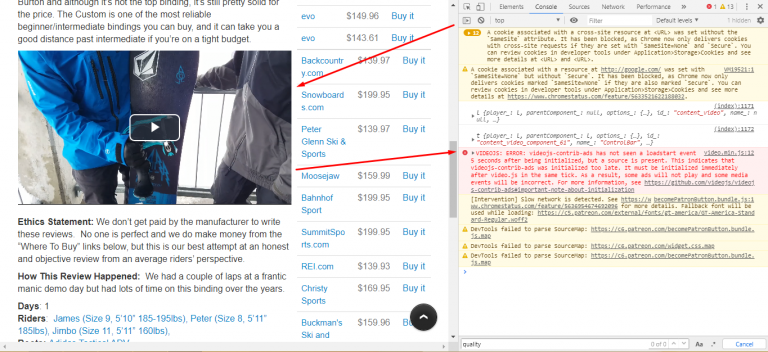
VIDEOJS: ERROR: videojs-contrib-ads has not seen a loadstart event 5 seconds after being initialized, but a source is present. This indicates that videojs-contrib-ads was initialized too late. It must be initialized immediately after video.js in the same tick. As a result, some ads will not play and some media events will be incorrect. For more…
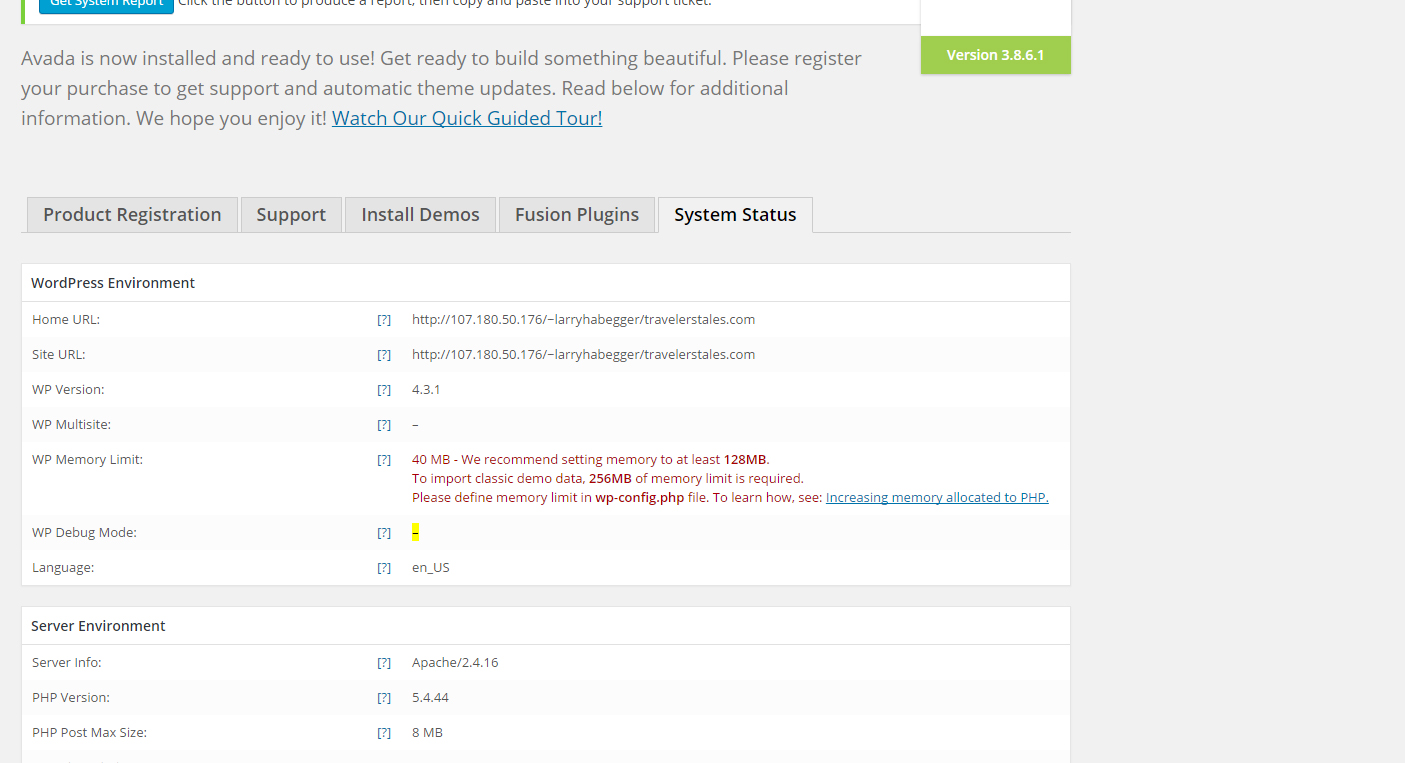
If you encountered the same error just like the image above, just follow this instructions. Open your wp-config.php in cpanel and add this code. define( 'WP_MEMORY_LIMIT', '128M' );
Customize rtmedia gallery ( media-gallery-item.php ) with additional display like image, audio, video, etc. Are you having a problem adding custom information on the media gallery item? You don’t have to worry now, the codes below is the solution. In my example, I want to add an audio player and the same time this is…
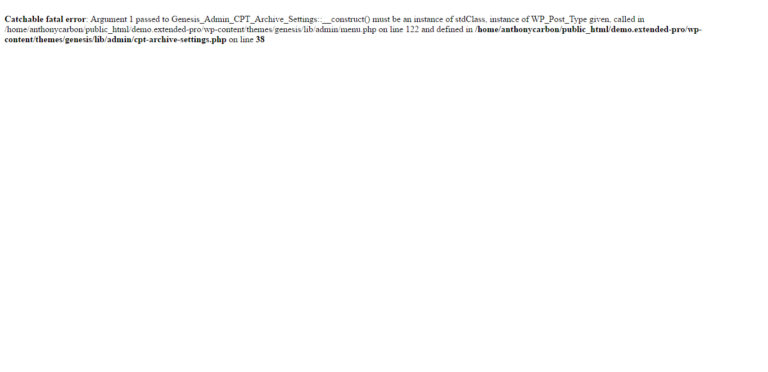
Catchable fatal error: Argument 1 passed to Genesis_Admin_CPT_Archive_Settings::__construct() must be an instance of stdClass, instance of WP_Post_Type given, called in /home/…/wp-content/themes/genesis/lib/admin/menu.php on line 122 and defined in /home/…/wp-content/themes/genesis/lib/admin/cpt-archive-settings.php on line 38 This error is sometimes showing after updating the WordPress. It is advice to update your Genesis theme first before the WordPress. To fix this…
Copy this code and paste to your functions.php function wpa54064_inspect_scripts() { global $wp_scripts; print_r($wp_scripts); // this will show all enqueue’s script } add_action( ‘wp_head’, ‘wpa54064_inspect_scripts’ );