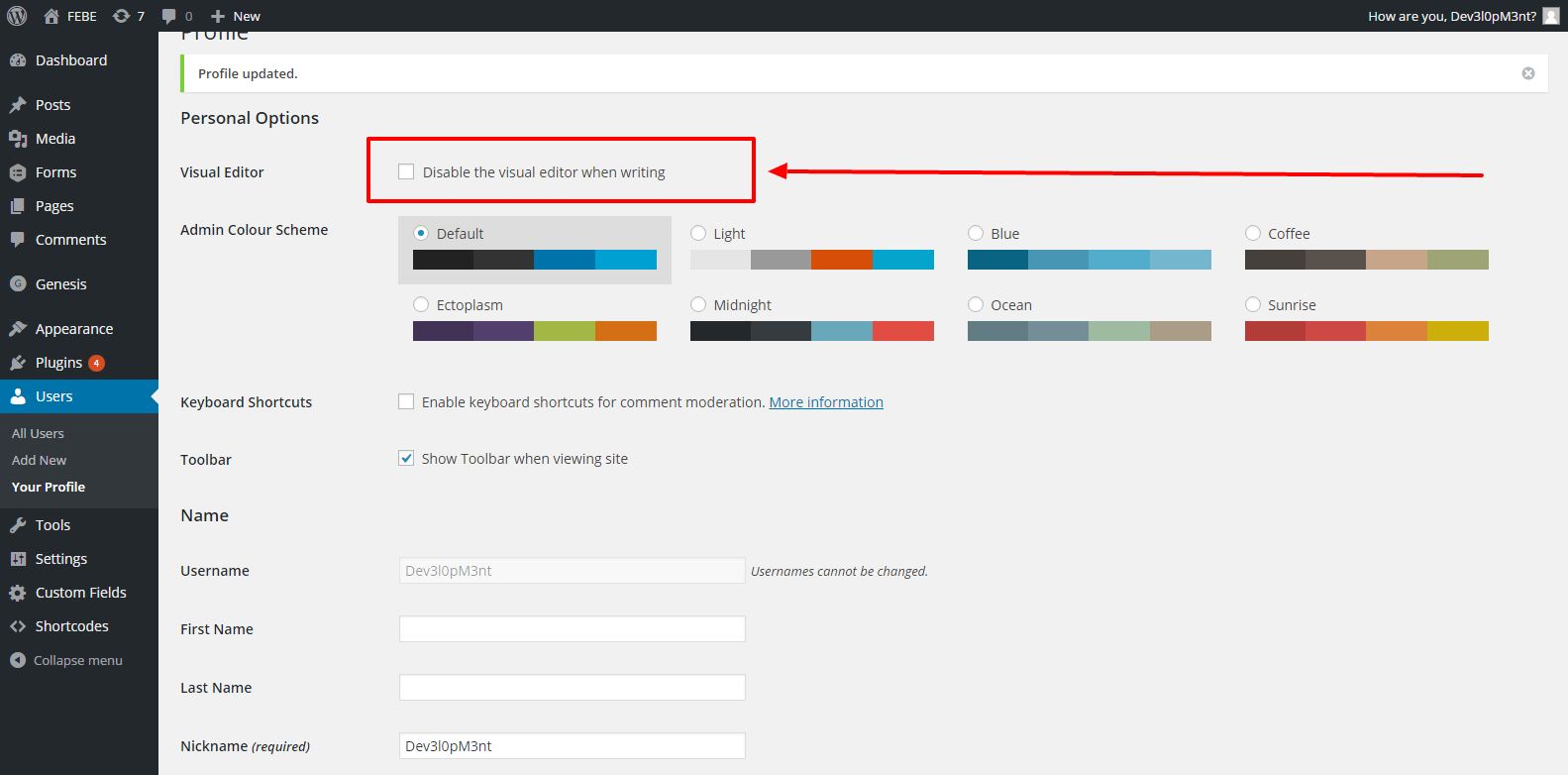
WordPress Post / Page visual editor missing.
Just simply go to your WordPress profile and ENABLE / DISABLE the settings. Please image below.

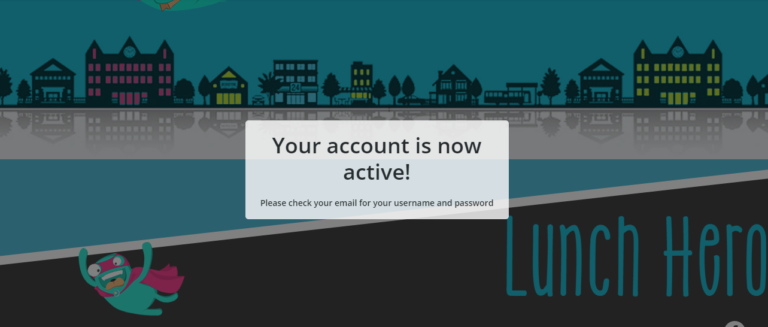
Create a simple user activation popup using the WordPress default layout. Commonly the activation link is display in home page. I have simple CSS/JQUERY to set your activation page into simple popup. See codes below. CSS codes: Output:
In this first part of my debugging series, I dive into the issues plaguing my mobile navigation menu. From unresponsive toggles to hidden elements, join me as I walk through my thought process, inspect code, and start patching up what’s broken. Perfect for developers troubleshooting similar mobile UI headaches. #Debugging #MobileMenuFix #ResponsiveDesign #webdevolopment #FrontendDev #JavaScriptDebugging…
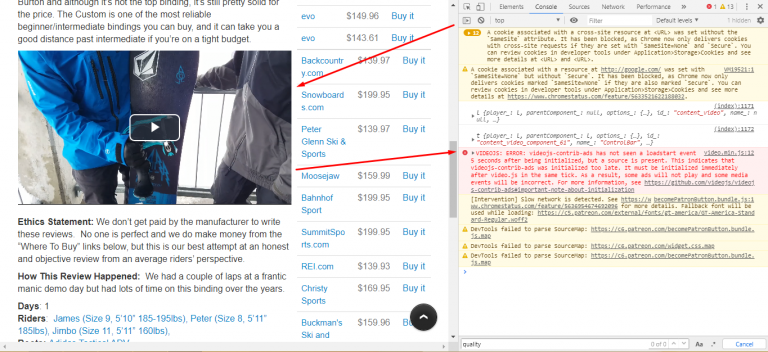
VIDEOJS: ERROR: videojs-contrib-ads has not seen a loadstart event 5 seconds after being initialized, but a source is present. This indicates that videojs-contrib-ads was initialized too late. It must be initialized immediately after video.js in the same tick. As a result, some ads will not play and some media events will be incorrect. For more…
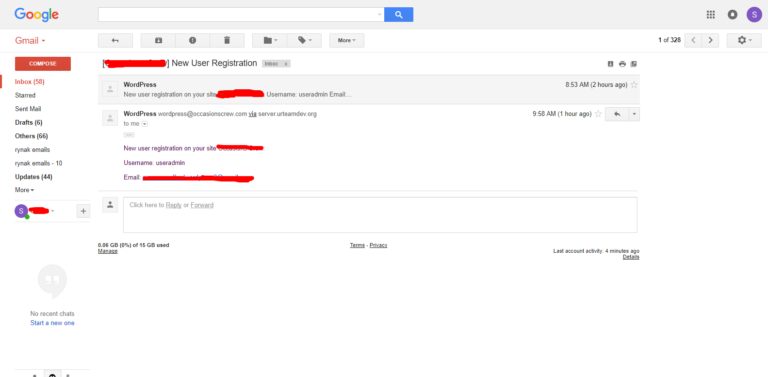
Change WordPress default email notification. Mostly used in new user registration, the default is `WordPress <wordpress@yourdomain.com>`. In my case I want to change the WordPress Name to my domain name. The output will be `Anthony Carbon <info@anthonypagaycarbon.com>`. The codes below will complete your tasks.
Check the links below for references to answer the question “How to redirect WordPress login/logout to custom page?” Use this https://codex.wordpress.org/Plugin_API/Filter_Reference/login_redirect for login redirect. Use this https://codex.wordpress.org/Plugin_API/Filter_Reference/logout_url for logout redirect.
Im very pleased with your work.