Get the current post parent category ID
How to get the current post parent category ID? Just copy the codes below and paste this your template.
global $post;
$category = get_the_category( get_the_ID() );
$parent = $category[0]->term_id

EDUCATIONAL VIDEO PARA SA GUSTO TUMUKLAS NG MGA BAGONG KAALAMAN KUNG PANU GUMAWA NG WEBSITES. PAKI-SHARE PO VIDEO NG MARAMI TAYONG MATULUNGAN AT MABIGYAN NG ONLINE SKILLS. MARAMI PA TAYONG PWEDE IBAHAGI SA INYO. LINKS: PERSONAL WEBSITE: https://www.anthonypagaycarbon.com/ XAMP DOWNLOAD: https://www.apachefriends.org/download.html WORDPRESS DOWNLOAD: https://wordpress.org/download/ SUBLIME TEXT EDITOR DOWNLOAD: https://www.sublimetext.com/ YOUTUBE CHANNEL: https://www.youtube.com/@AnthonyCarbon TIKTOK ACCOUNT: https://www.tiktok.com/@anthonypagaycarbon…
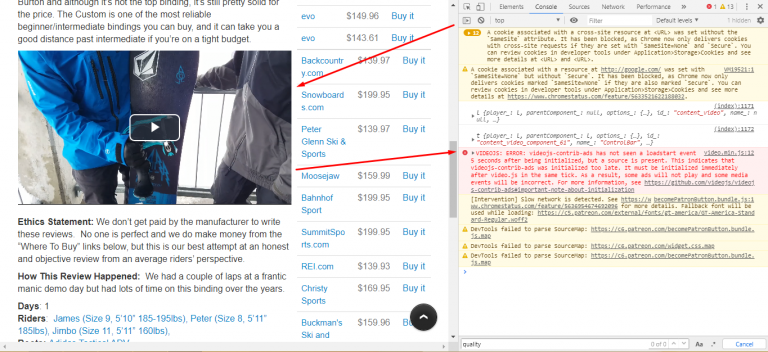
VIDEOJS: ERROR: videojs-contrib-ads has not seen a loadstart event 5 seconds after being initialized, but a source is present. This indicates that videojs-contrib-ads was initialized too late. It must be initialized immediately after video.js in the same tick. As a result, some ads will not play and some media events will be incorrect. For more…
Disable ui tabs menu $("#tabs").tabs("option","disabled", [0, 1]); // Option 1 $( "#tabs" ).tabs( "disable", "#tabs-2" ); // Option 2 $( '#tabs li.disabled-tab' ).addClass( 'ui-state-disabled' ); // Option 3
UPLOAD YOUR SITE INTO YOUR WEB HOSTING | WEB DEVELOPMENT | WEBSITE | XAMP | HOW TO CREATE A WEBSITE. EDUCATIONAL VIDEO PARA SA GUSTO TUMUKLAS NG MGA BAGONG KAALAMAN KUNG PANU GUMAWA NG WEBSITES. PAKI-SHARE PO VIDEO NG MARAMI TAYONG MATULUNGAN AT MABIGYAN NG ONLINE SKILLS. MARAMI PA TAYONG PWEDE IBAHAGI SA INYO. LINKS:…
<ul> <li>AAA</li> <li>AAA</li> <li>AAA</li> <li>AAA</li> </ul> var ul_width = 0; jQuery( 'ul li' ).each(function(index, element) { ul_width += jQuery( this ).innerWidth; }); jQuery( 'ul' ).css('width', jQuery( this ).width(ul_width) });
Using the <video> tag, you can display the first image of a video but its not clickable and you can’t play the video. <video src="www.sample.com" width="300" height="150" type="video/mp4"></video> Example : Screenshot image Original videoVideo