WDES Responsive Tool 2
[wdes-responsive-tool-2]

First is you must have the browser.php in your current themes. If not, click here and create a file named browser.php in your current themes. Copy the codes below and place it into your function.php file.
For example I want to add a ” Home Slider ” post type. Below is the perfect codes. Just copy and paste it into your functions.php Images that helps you to understand those arrays. References http://codex.wordpress.org/Function_Reference/register_post_type http://codex.wordpress.org/Post_Types
Using this tool https://developers.facebook.com/tools/debug/sharing/, it shows the wrong SEO details details when you about to share this article. Facebook found your “” is not the same on the current post. This maybe because of SEO conflict on your Jetpack and other SEO plugins. To fix the issue, just add this line in your functions.php and…
How to get the current page slug?
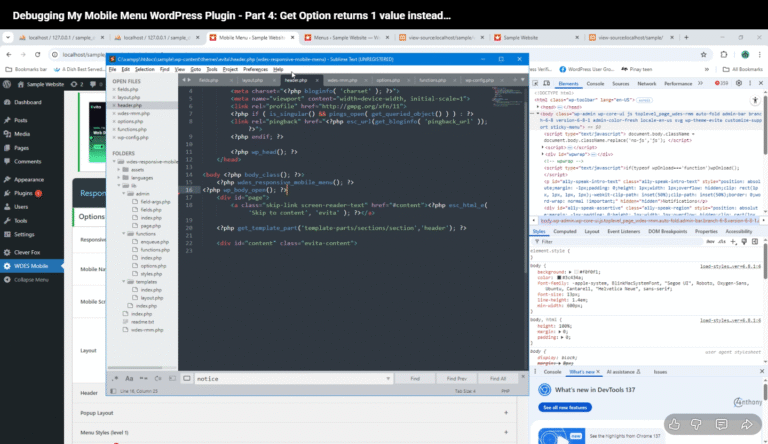
Debugging WordPress get_option Issues: Single Value Returned Instead of Array Debugging My Mobile Menu WordPress Plugin the give get_option returns 1 value instead of arrays. Code: get_option( ‘wdes_rmm_settings’ ) In this first part of my debugging series, I dive into the issues plaguing my mobile navigation menu. From unresponsive toggles to hidden elements, join me…